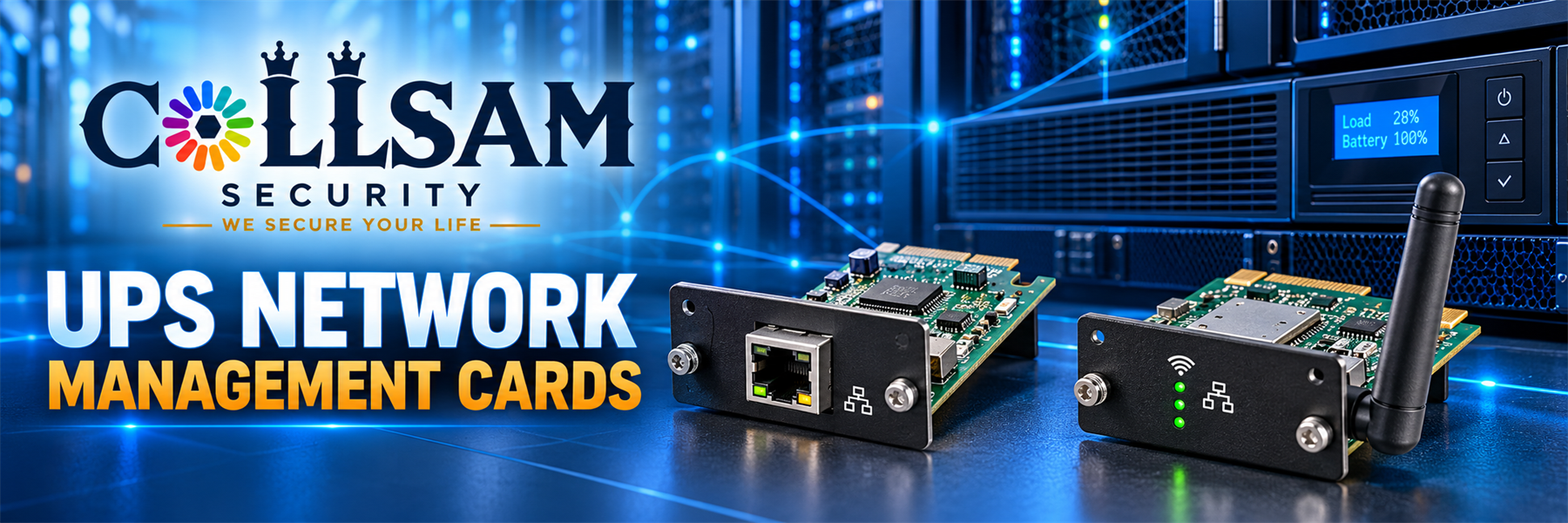
UPS network management cards link a supported power backup unit to a network. A UPS monitoring card lets staff check power from another place. An Ethernet UPS card uses a wired network link. Remote UPS monitoring can reduce trips to the equipment room. A wireless UPS management card uses Wi-Fi when the card and UPS support it.
First, match the card to the UPS model. Each maker uses its own card slot and setup method. The right UPS monitoring card should appear on the maker’s support list. It should also work with the required app or web portal. Read the card guide before you buy. Do not assume that cards with the same shape will work in the same UPS.
Next, pick the way to connect. An Ethernet UPS card may suit a rack, office, server room, or network closet. A wireless UPS management card may help where a cable is hard to install. Check Wi-Fi strength and site rules before you choose. Also review the card’s network needs.
Remote UPS monitoring can show useful facts from a supported system. The tools may show battery level, load, run time, power state, or events. Some models can send alerts through a web page or phone app. Yet features differ by card, UPS, software, and service. Read each listing for exact functions.
Finally, plan a safe setup. Record the device address. Use a strong login and limit user access. Install approved updates when needed. Then test each alert and confirm that staff can reach the tool. UPS network management cards make power checks easier. However, they do not replace battery tests, UPS service, or a clear response plan. Compare each option and choose the card that fits the supported UPS and site.

 CCTV Power, UPS Network Management Cards, UPS Uninterruptible Power Supply
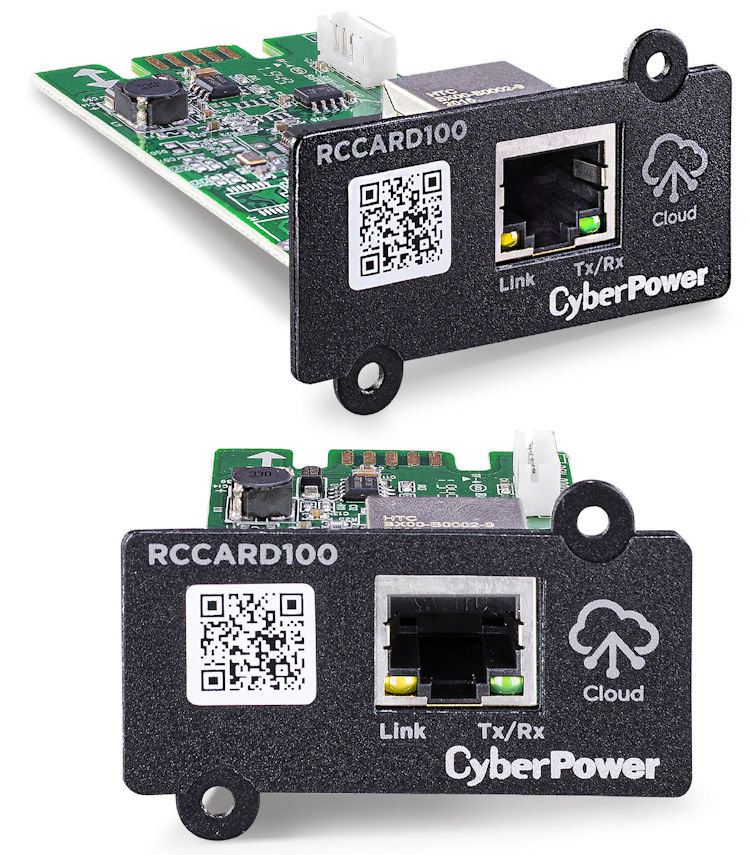
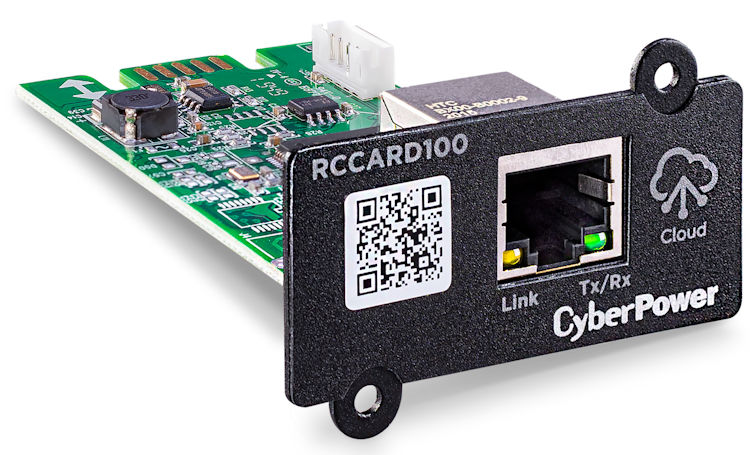
RCCARD100
Original price was: $93.99.$70.95Current price is: $70.95.

 CCTV Power, UPS Network Management Cards, UPS Uninterruptible Power Supply
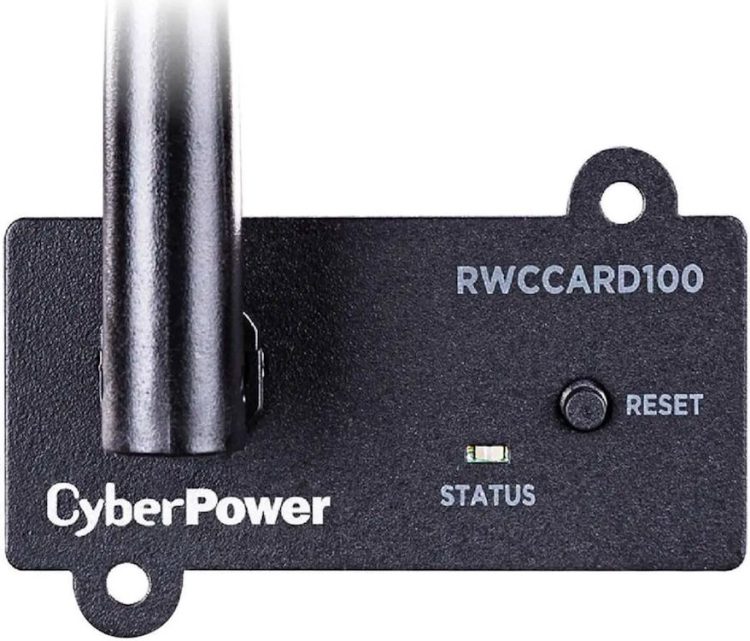
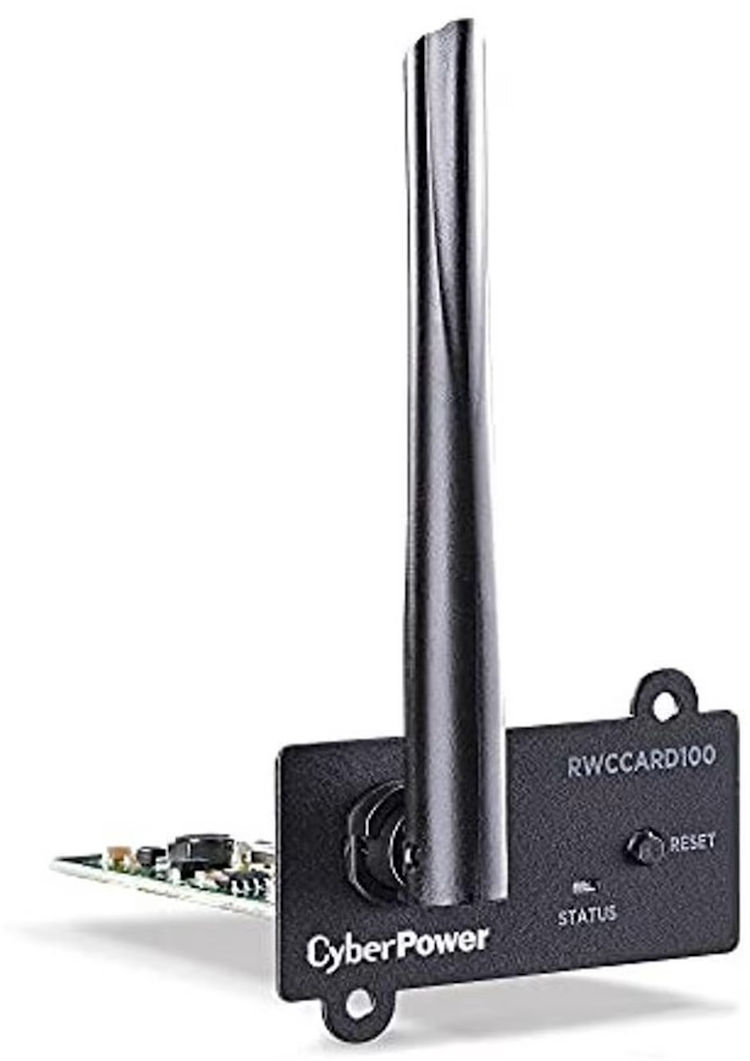
RWCCARD100
Original price was: $98.00.$71.95Current price is: $71.95.