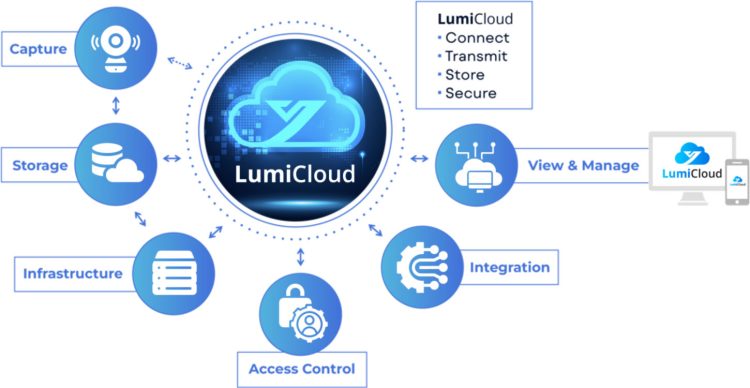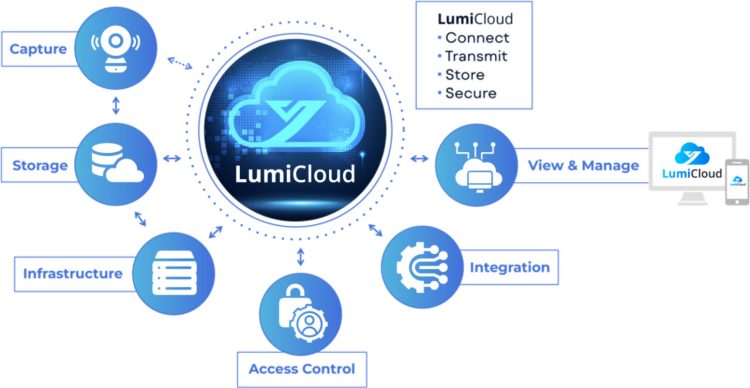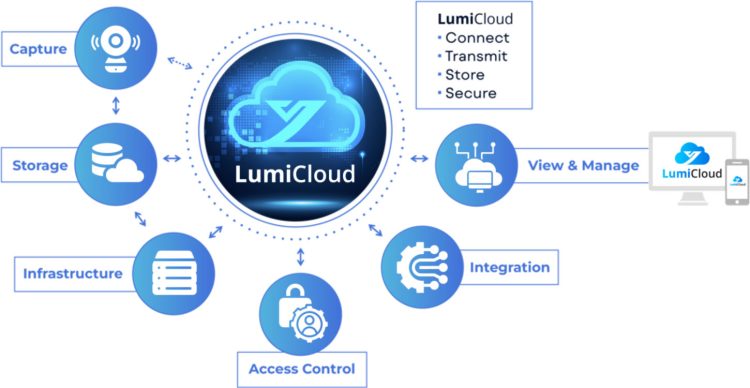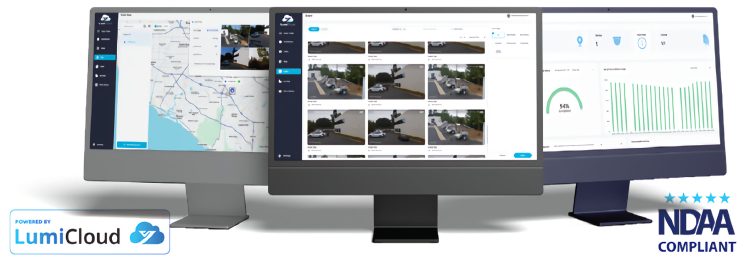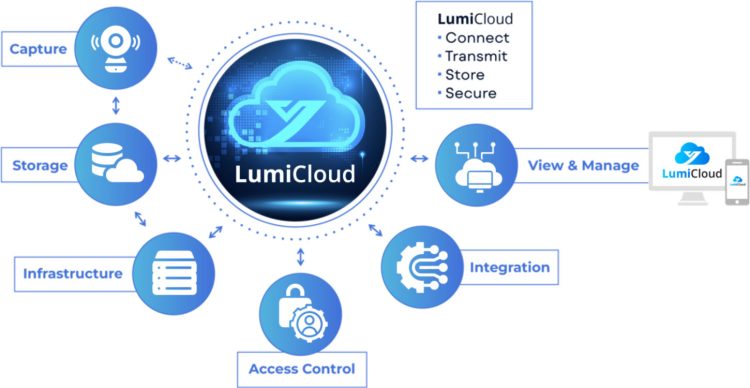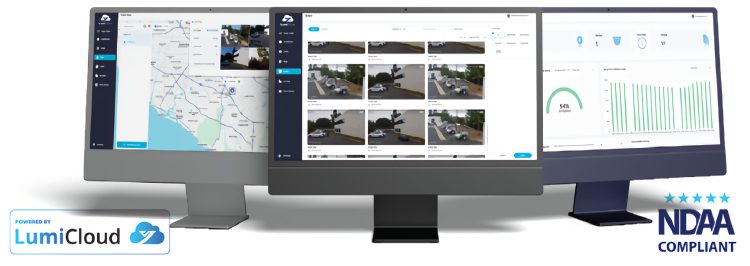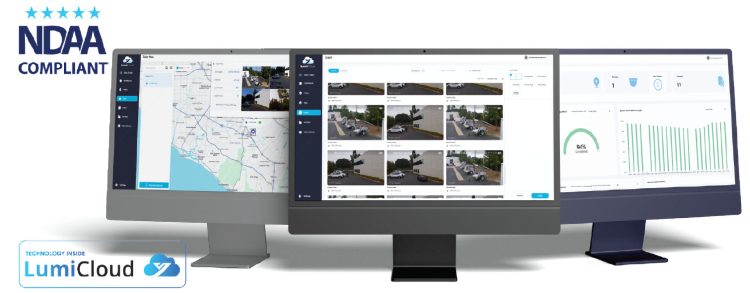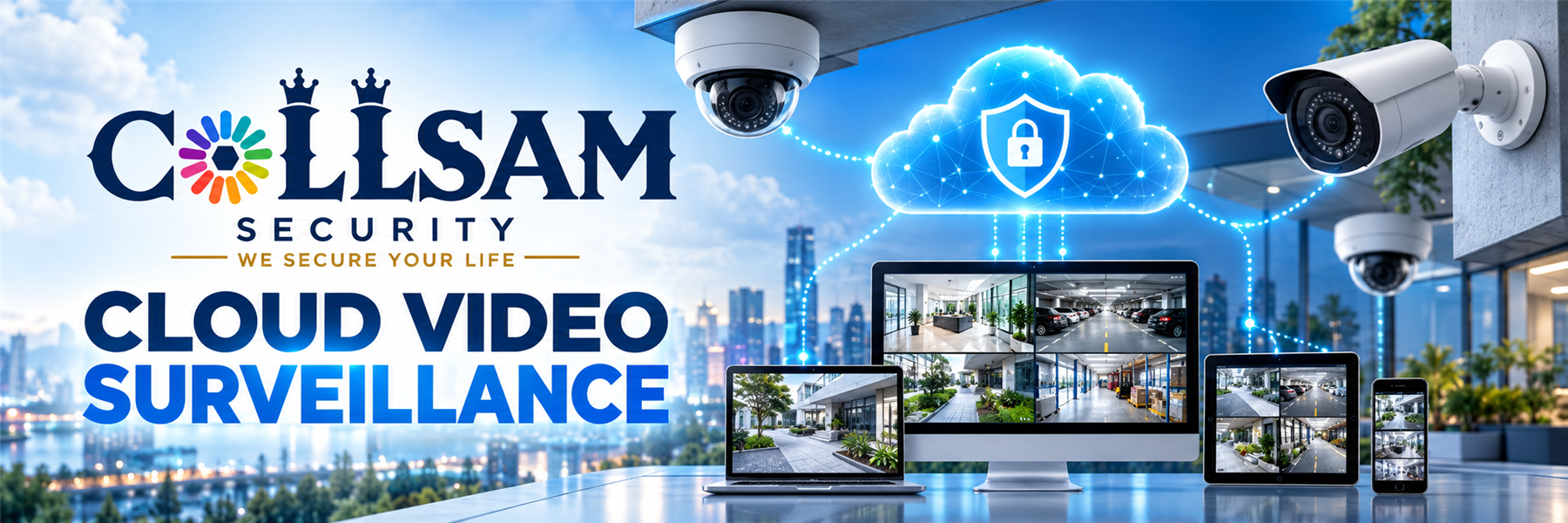
Cloud Video Surveillance links cameras to an online service. You can view live video from a phone or computer. Cloud security cameras send video through your network. For example, remote video monitoring helps you check a site from far away. Cloud camera storage can save clips online. Managed video surveillance can serve one site or many sites.
Therefore, use a strong password per account. Then, keep it private. Also, keep each app and camera up to date. Cloud Video Surveillance needs a stable web link. Remote video monitoring may need good upload speed. Check your network before you add more cameras. Ask who can view the cloud security system. Give access only to people you trust.
Cloud Video Surveillance cloud camera storage plans can differ. First, check how long clips stay online. Check the video quality and space limit too. Some plans may need a fee. However, other limits may apply. Read each item page before you buy. Make sure the plan fits your needs. A cloud security system should also fit your privacy rules.
Managed video surveillance can make site checks easier. You may view more than one place in one app. In addition, alerts may help staff see an event. Yet, features can differ by camera and service. A Cloud Video Surveillance plan may support live view or saved clips. Do not assume that each camera works with each service.
Collsam Security offers Cloud Video Surveillance choices for remote site care. Compare cloud security cameras, plans, and links before you order. Next, check camera count, app access, alerts, and playback. Plan the view for each camera. Keep lenses clear. Finally, test the web link at each site. If you need help, ask Collsam Security before the work starts.

 Cloud Video Surveillance
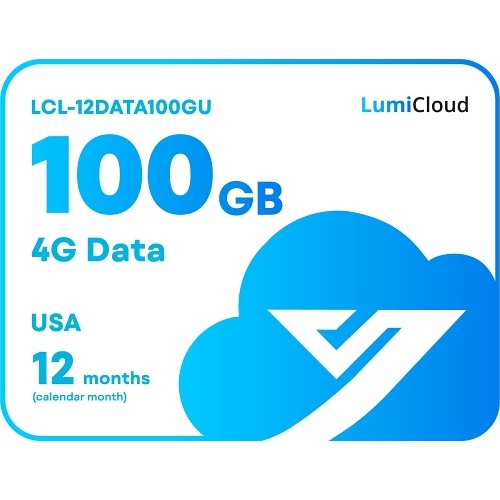
LCL-12DATA100GU
Original price was: $2,519.99.$1,781.98Current price is: $1,781.98.
- Cloud Video Surveillance
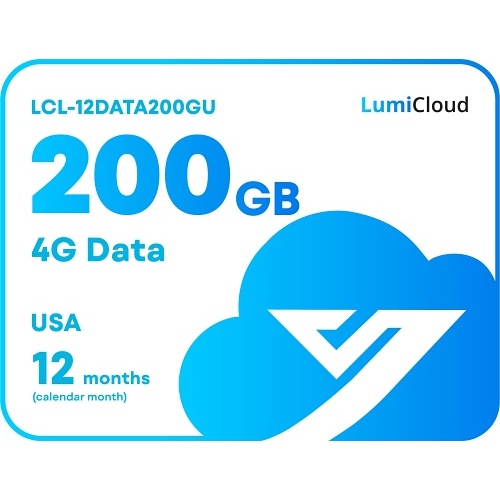
LCL-12DATA200GU
Original price was: $3,959.99.$3,563.98Current price is: $3,563.98. 
 Cloud Video Surveillance
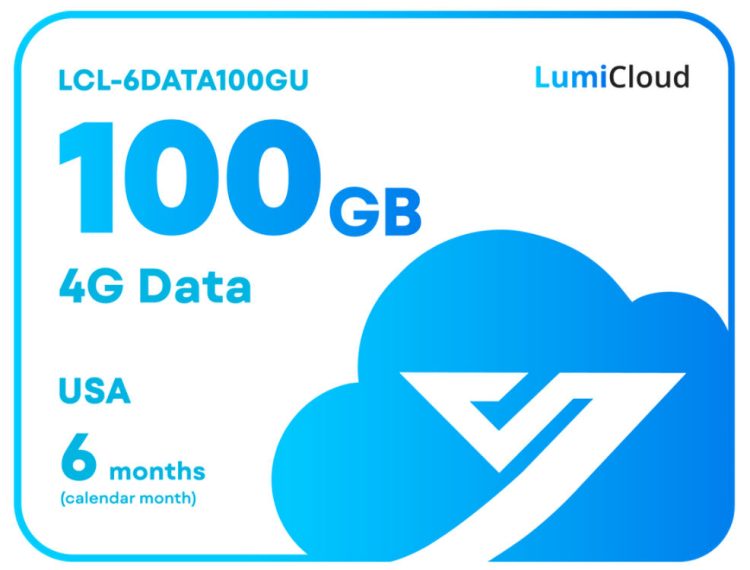
LCL-6DATA100GU
Original price was: $1,259.99.$1,133.98Current price is: $1,133.98.

 Cloud Video Surveillance
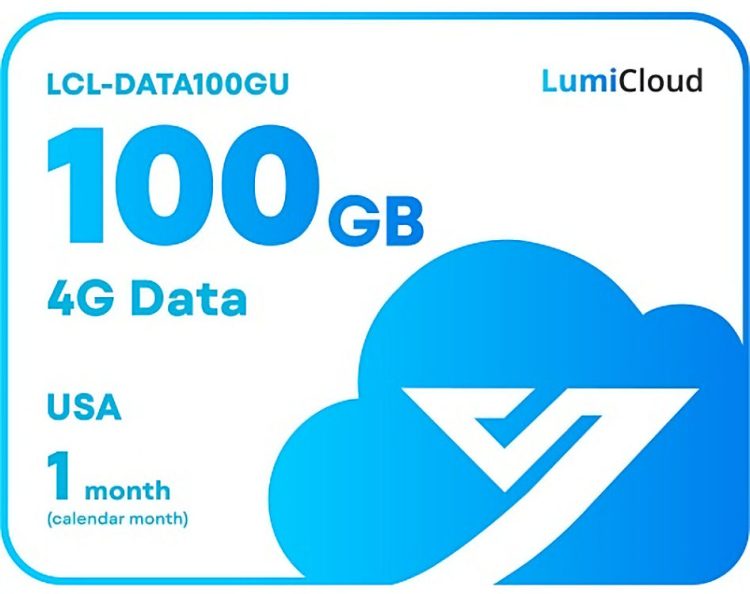
LCL-DATA100GU
Original price was: $209.99.$188.98Current price is: $188.98.
 Cloud Video Surveillance
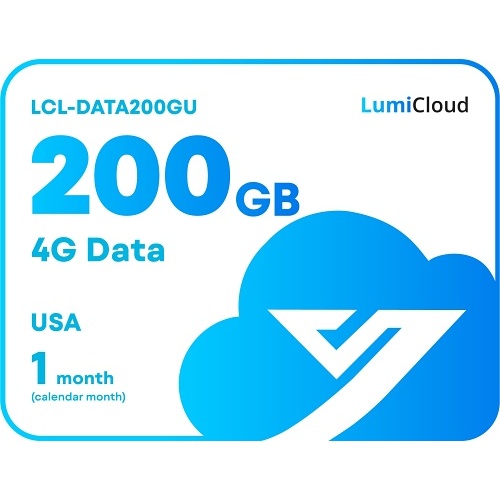
LCL-DATA200GU
Original price was: $329.99.$296.98Current price is: $296.98.
 Cloud Video Surveillance, Solar Security Trailer
LCL-ST4
Original price was: $799.99.$719.98Current price is: $719.98.
 Cloud Video Surveillance
VAN-LC-1Y90-0
Original price was: $398.00.$338.30Current price is: $338.30.- Cloud Video Surveillance
VAN-LC-3Y90-0
Original price was: $1,098.00.$933.30Current price is: $933.30. - Cloud Video Surveillance
VAN-LC-5Y90-0
Original price was: $1,798.00.$1,528.30Current price is: $1,528.30.