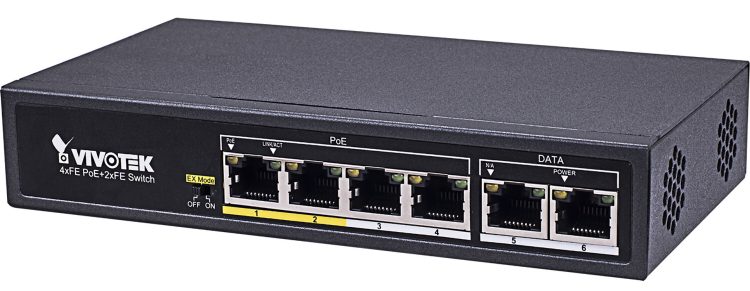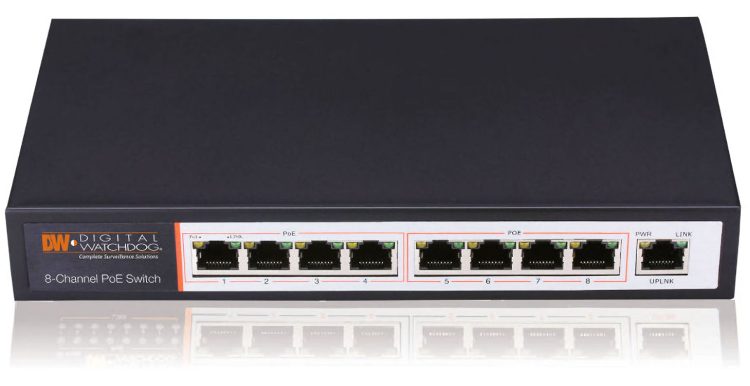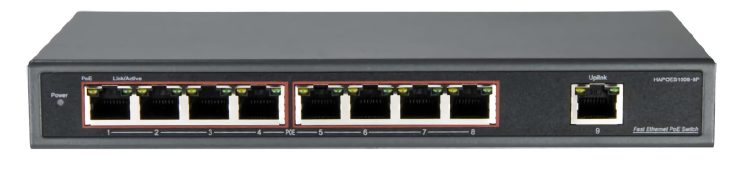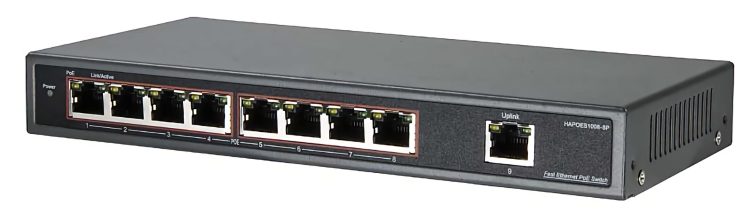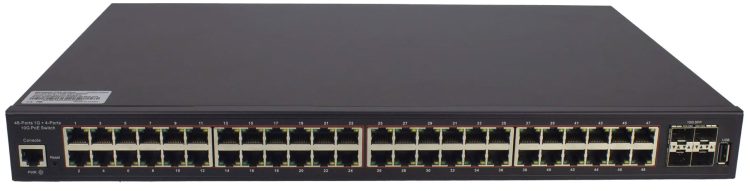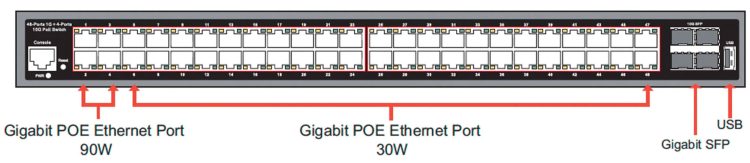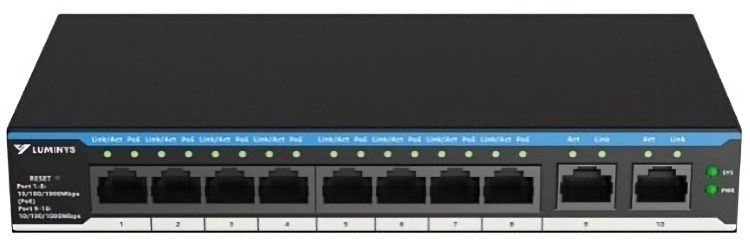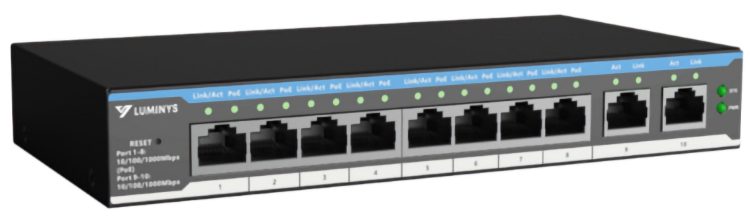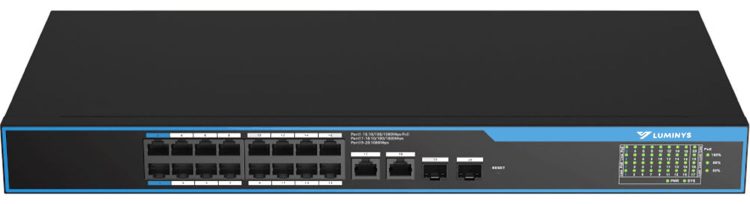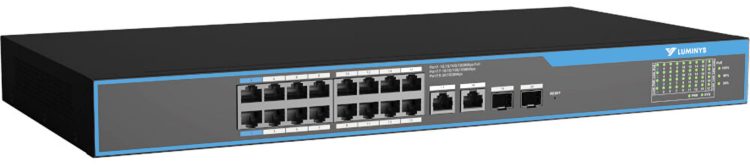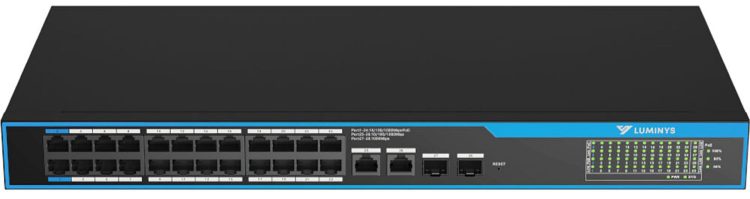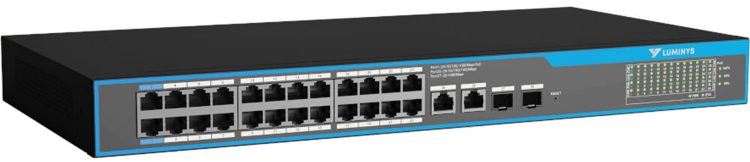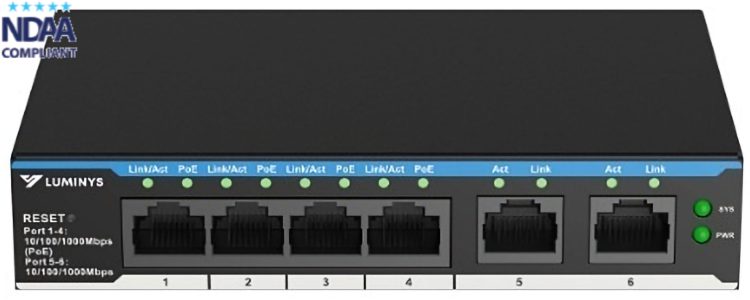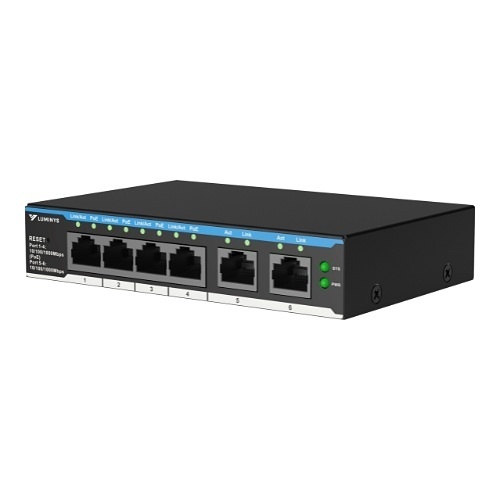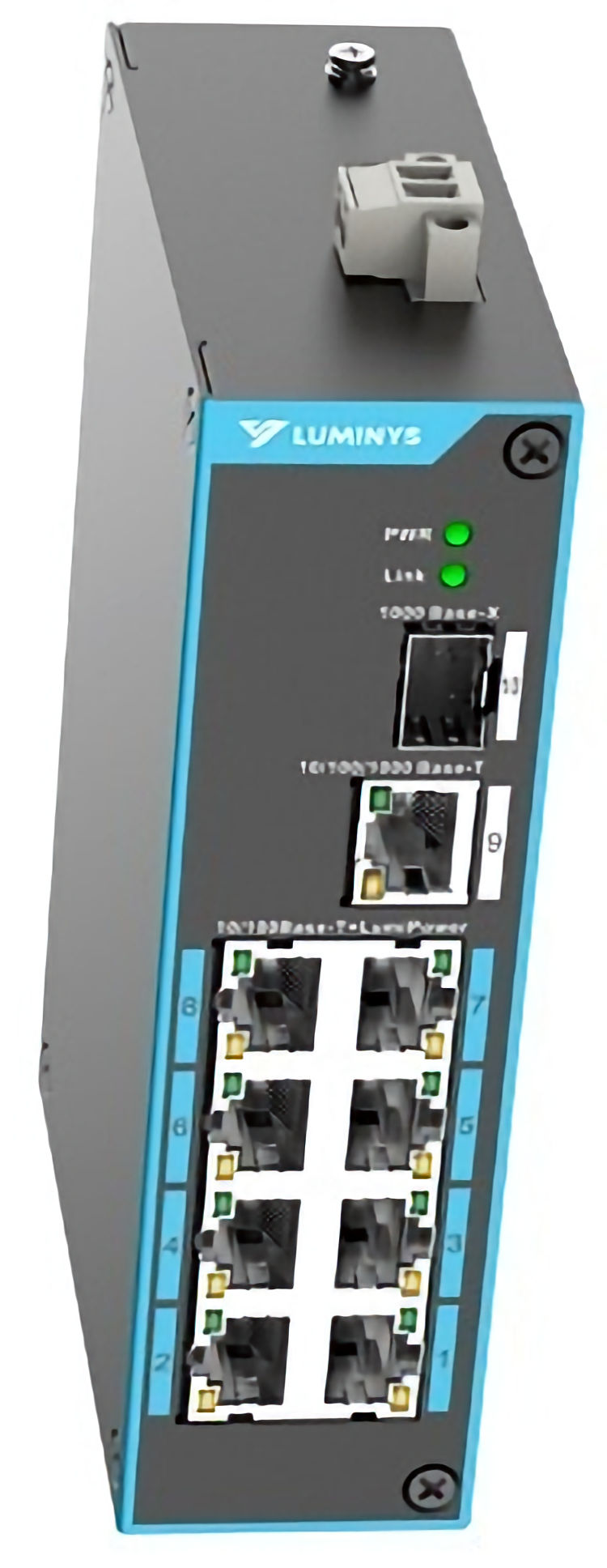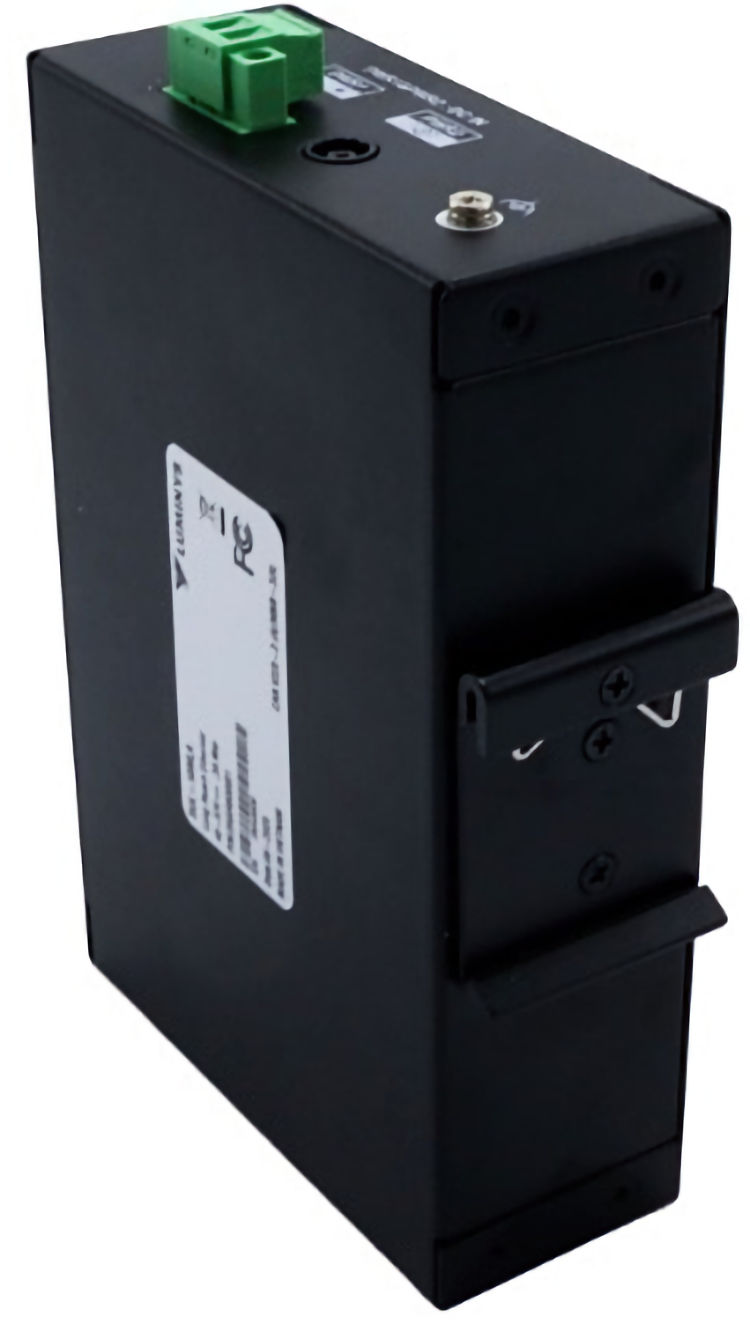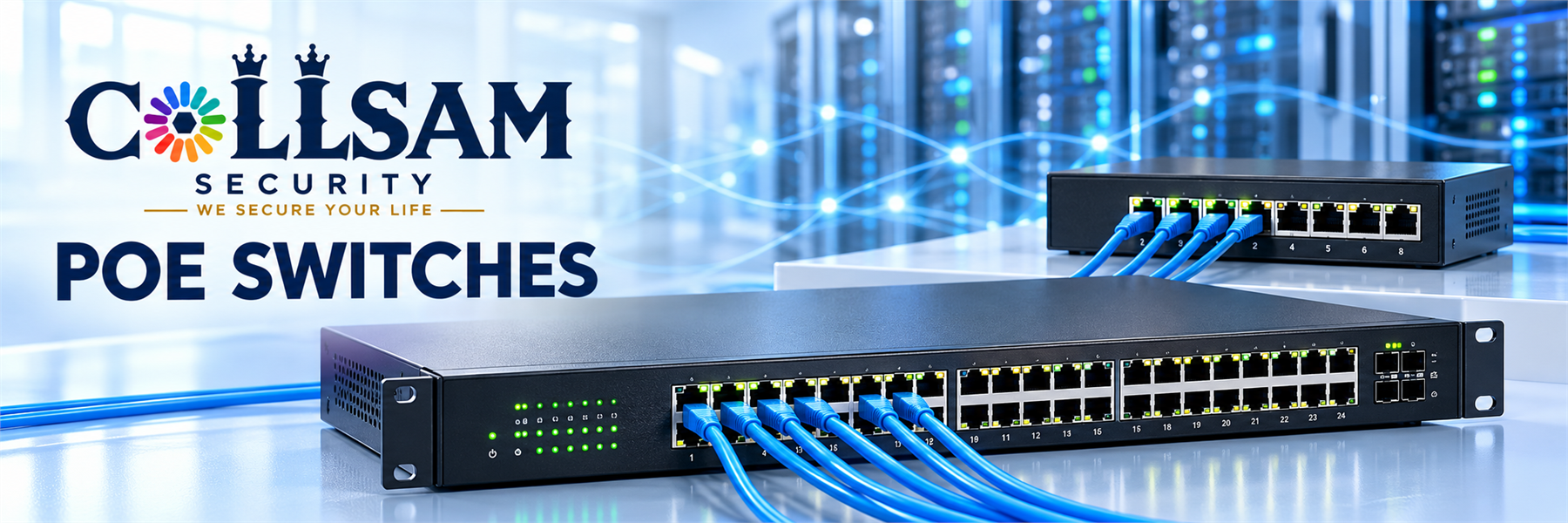
PoE switches send network data and power through one Ethernet cable. A Power over Ethernet switch can serve supported security cameras, wireless access points, phones, and door controls. So, a PoE network switch can help create a clean and neat setup.
First, check the port count and total power budget. Each device needs enough watts. A gigabit PoE switch supports fast data for modern devices. Also, check the needed IEEE standard. The IEEE 802.3af standard supports basic PoE. The industry calls IEEE 802.3at PoE+. For more power, the industry calls IEEE 802.3bt PoE++. The switch and device should use the same standard.
Next, choose between managed and unmanaged models. A managed PoE switch gives you more control over traffic, ports, and device health. An unmanaged model offers an easy setup for a small network. Still, both types need the right power budget, speed, and cable quality. These devices may also include uplink ports for a router, recorder, or main network switch.
Installation is direct. Connect the PoE network switch to the local network. Then connect each supported device to a powered port. Use quality Ethernet cable and plugs. Also, follow the distance limits for Ethernet. A gigabit PoE switch works well when cameras or access points need dependable data speed. Cable labels can make service easier.
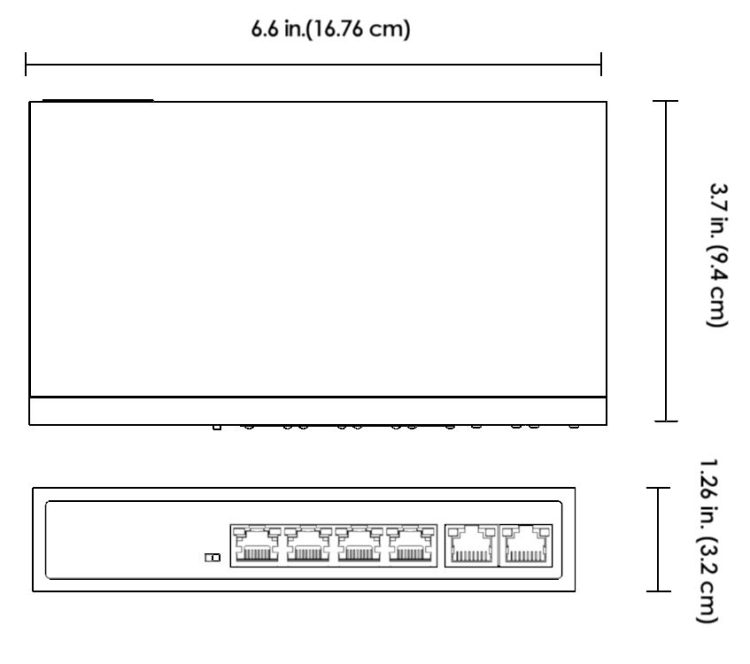
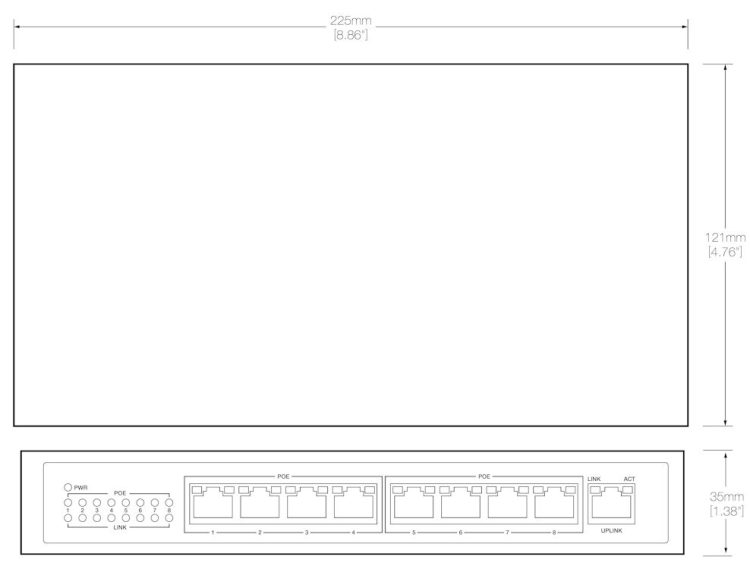
Finally, plan for growth. Leave open ports when more devices may be added. A managed PoE switch can support a larger or more detailed network plan. Smaller models can fit desks, cabinets, and tight spaces. The right Power over Ethernet switch should match the device count, needed watts, network speed, and site. Plan each site well. This match helps keep power steady, data clear, and service easy.

 Accessories, Network Switch, PoE Switches, Telephone and Networking
AW-FET-060C-065
Original price was: $98.00.$68.60Current price is: $68.60.


 Network Switch, PoE Switches, Telephone and Networking
HA-PW1609-8P
Original price was: $260.00.$156.00Current price is: $156.00.
 Network Switch, PoE Switches, Telephone and Networking
HA-UPW-3D448UG
Original price was: $1,100.00.$660.00Current price is: $660.00.
 Network Switch, PoE Switches, Telephone and Networking
SML-10GPA
Original price was: $279.98.$251.98Current price is: $251.98.
 Network Switch, PoE Switches
SML-20GPA
Original price was: $559.99.$503.98Current price is: $503.98.
 Network Switch, PoE Switches, Telephone and Networking
SML-28GPA
Original price was: $719.99.$647.98Current price is: $647.98.
 Network Switch, PoE Switches, Telephone and Networking
SML-6GPA
Original price was: $179.99.$128.95Current price is: $128.95.
 Network Switch, PoE Switches, Telephone and Networking
SUL-10MLA
Original price was: $379.99.$229.95Current price is: $229.95.