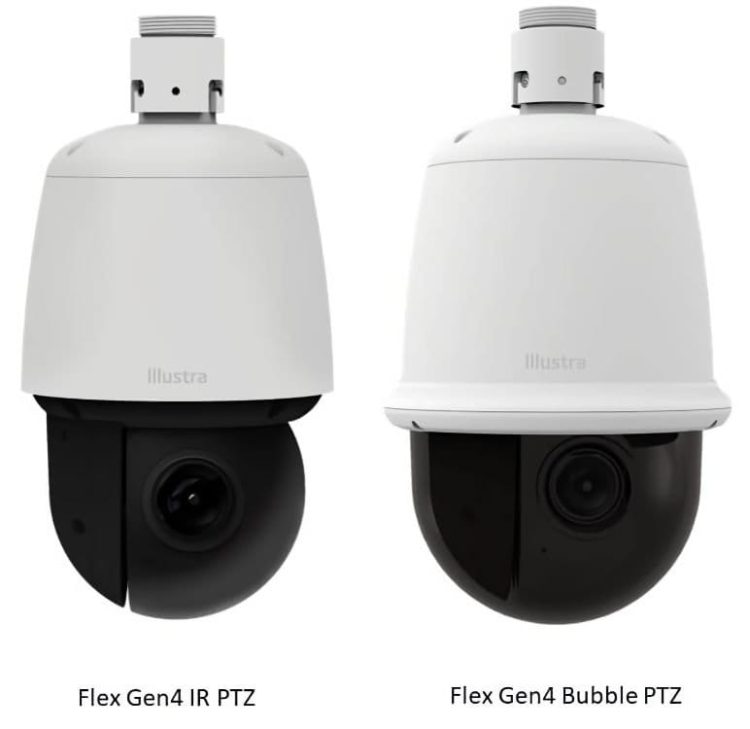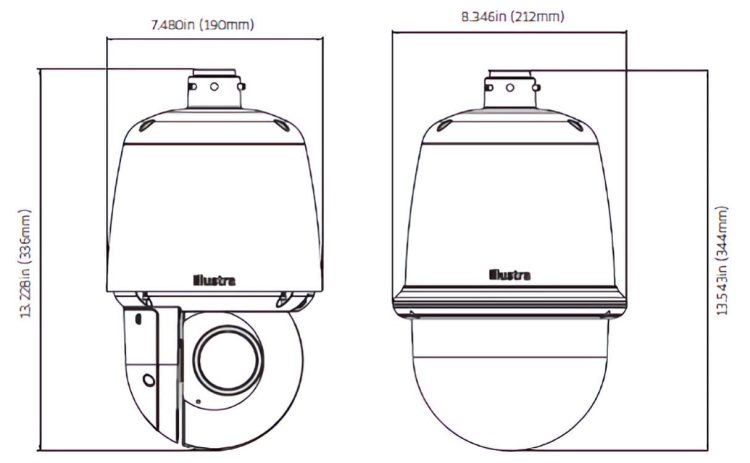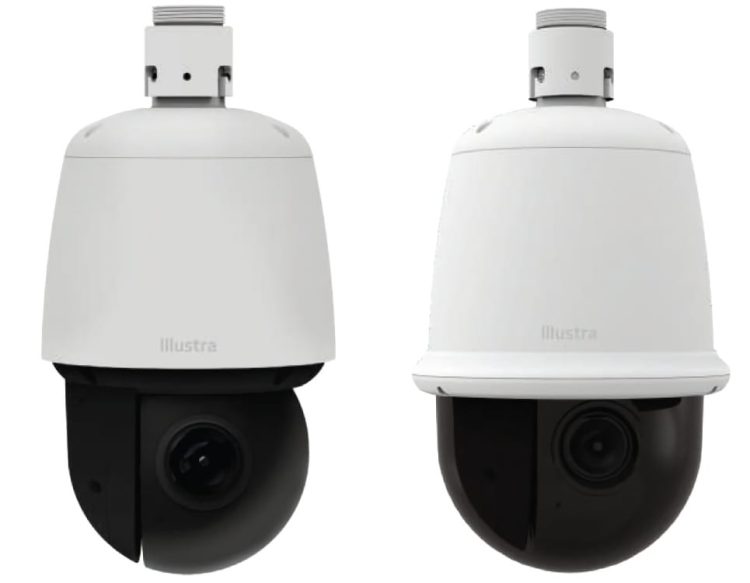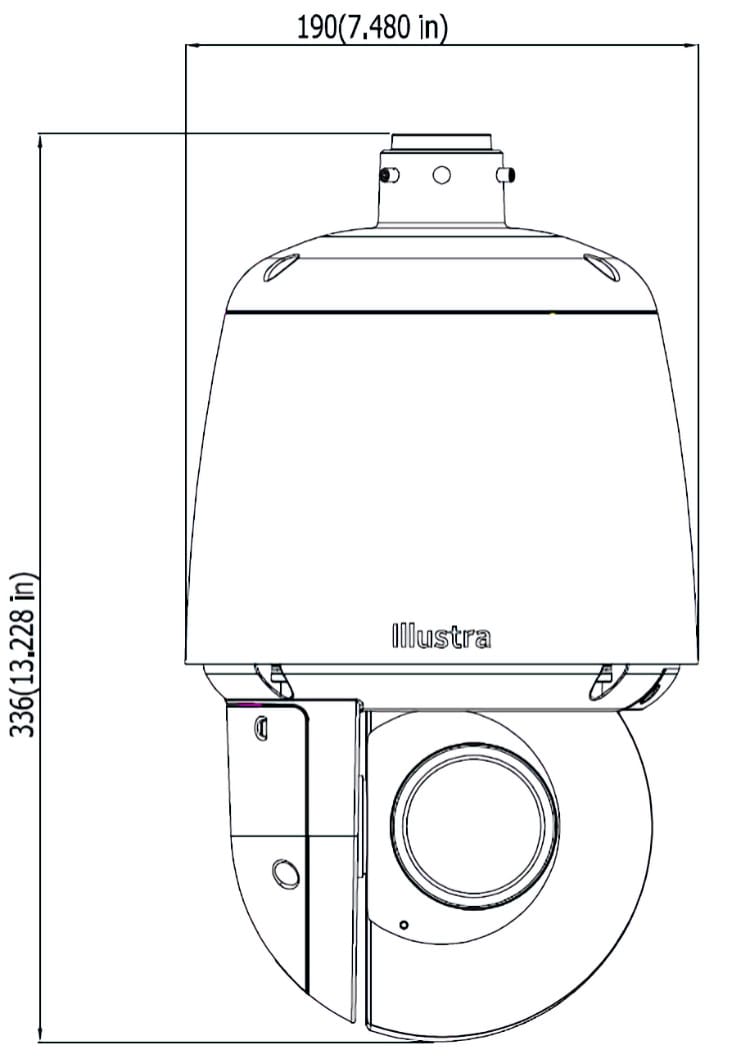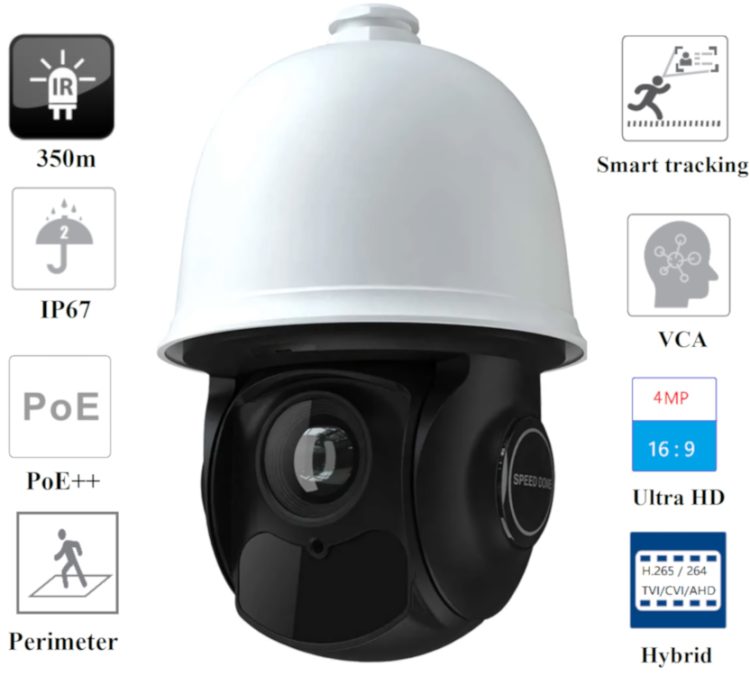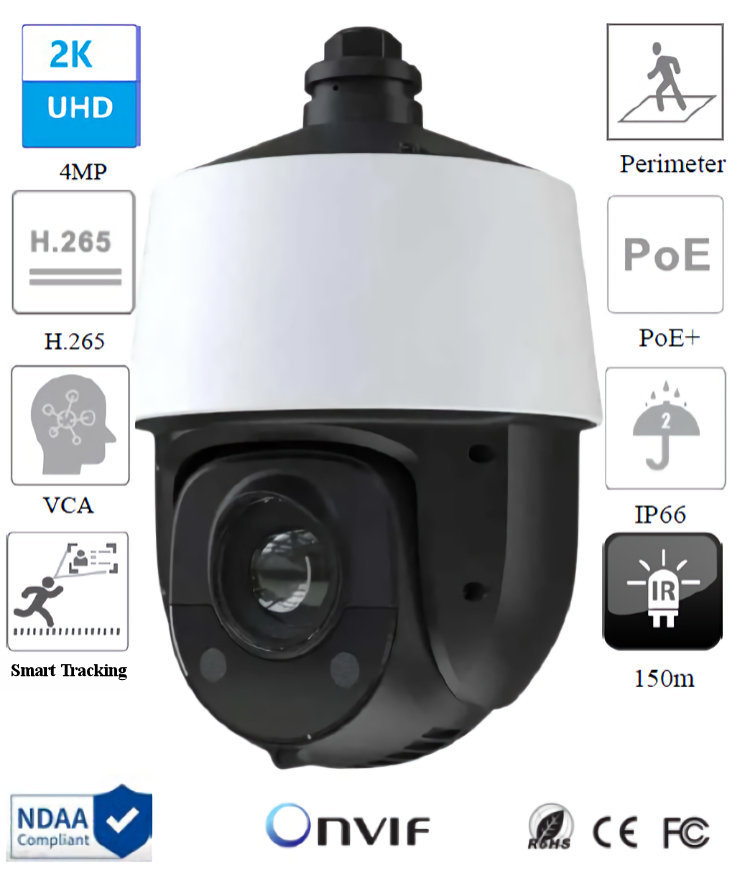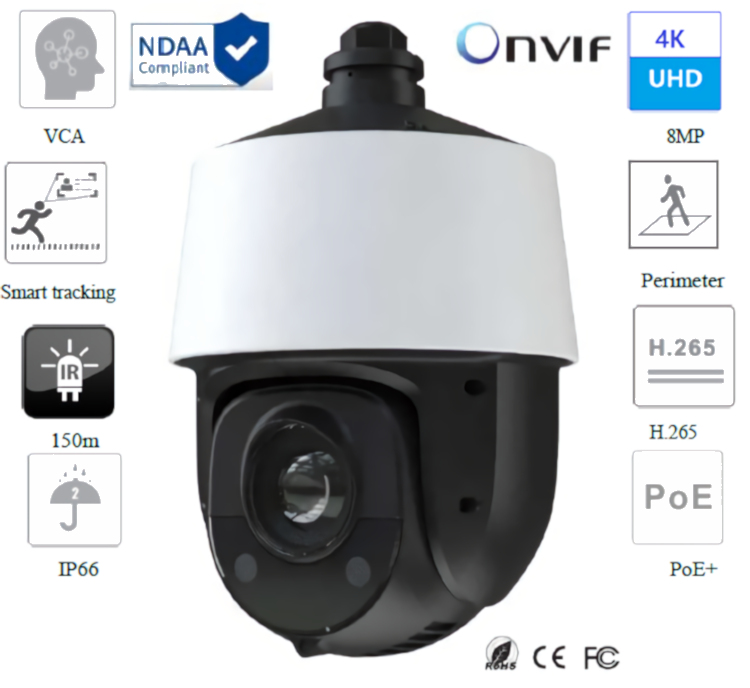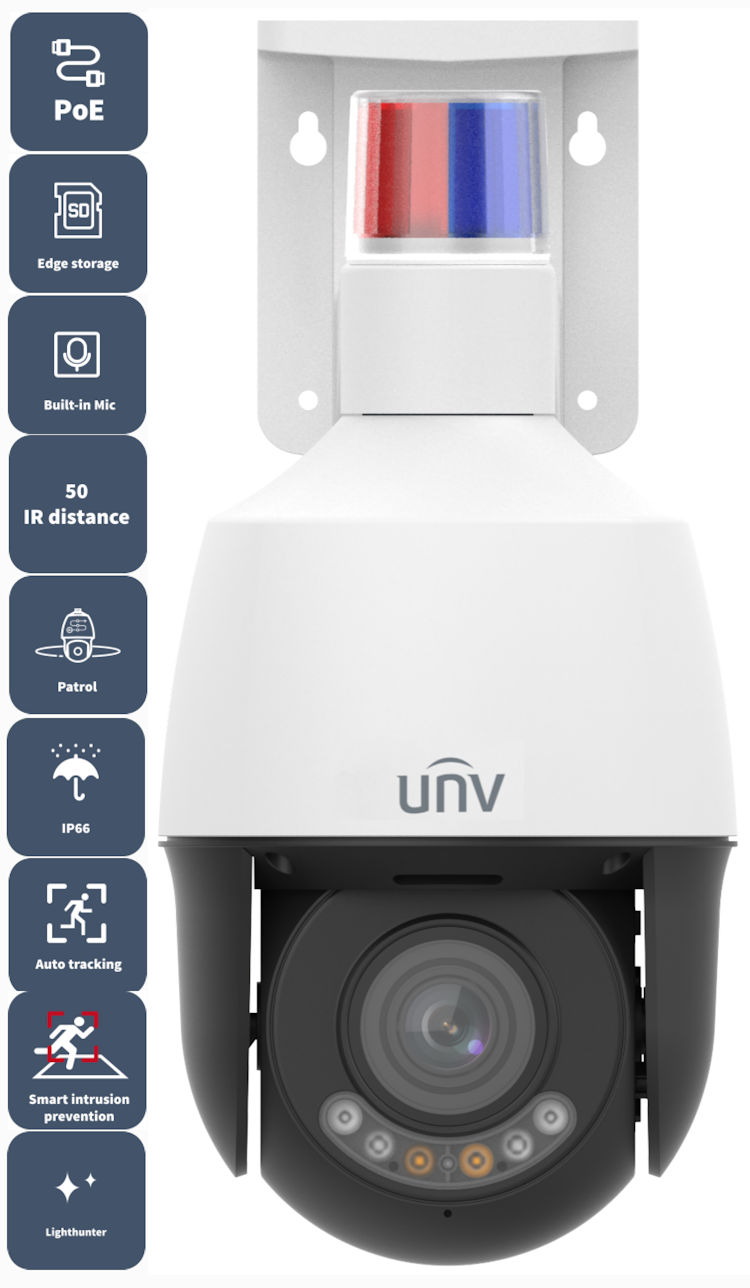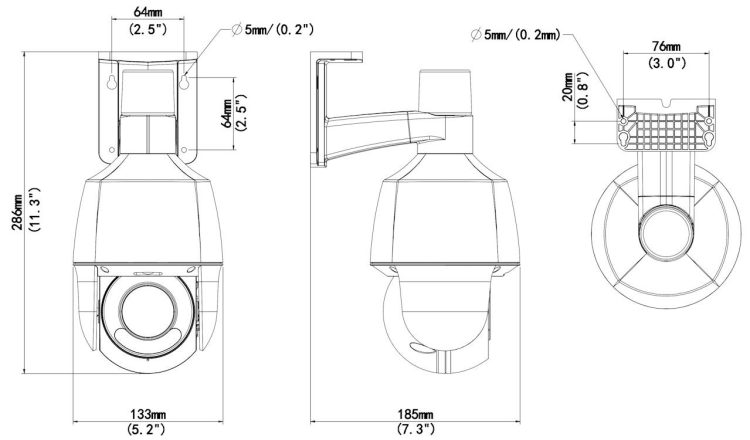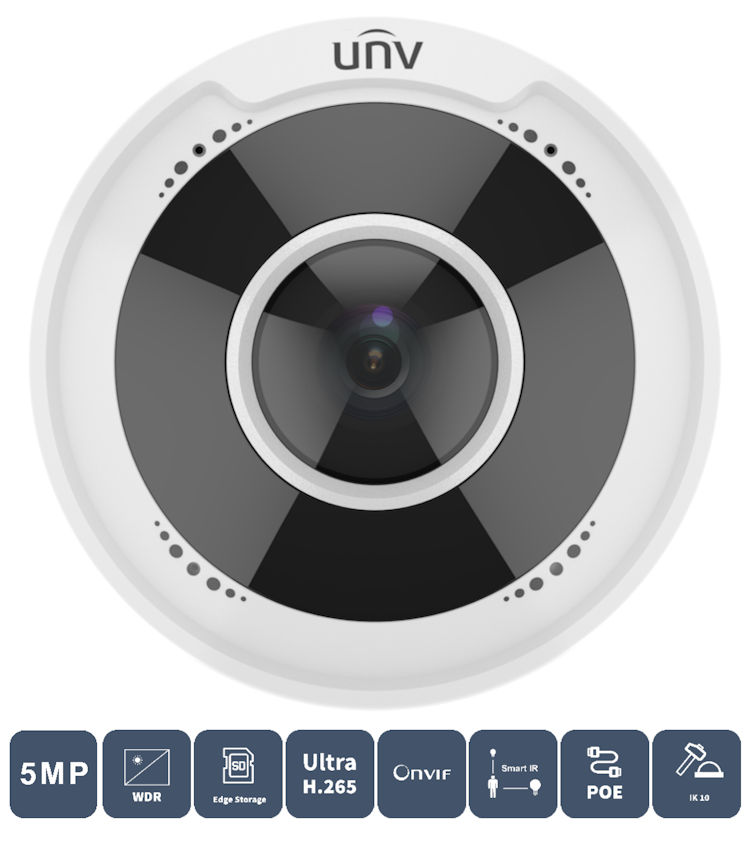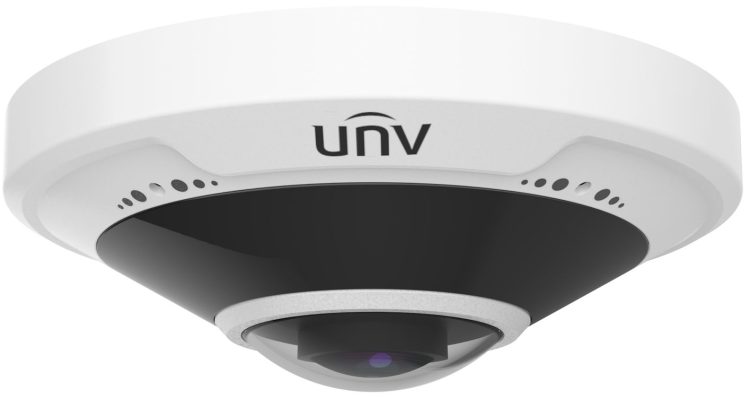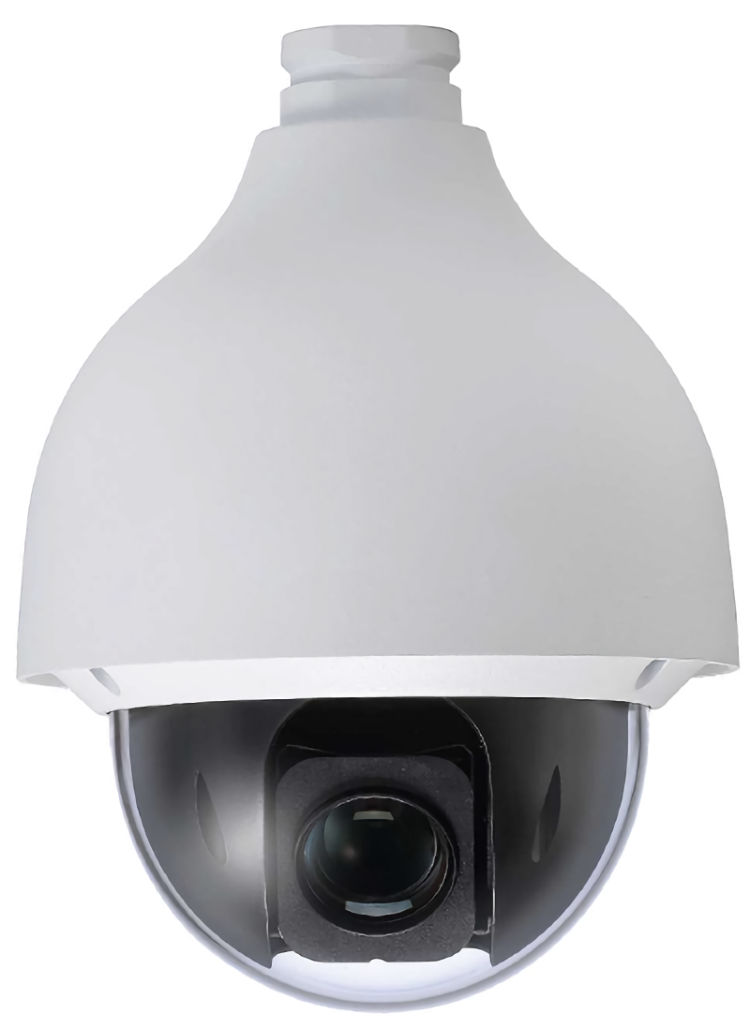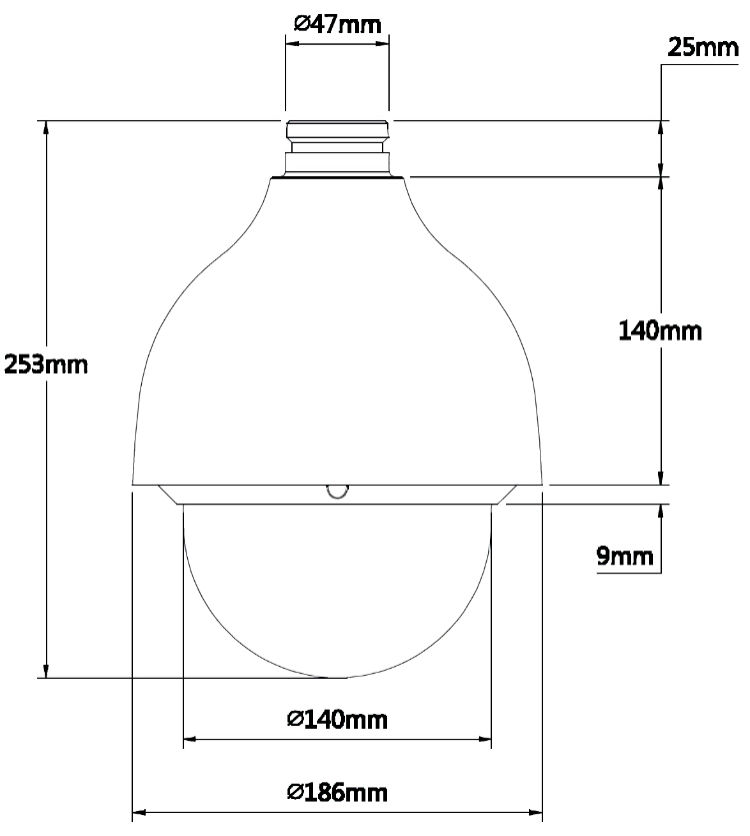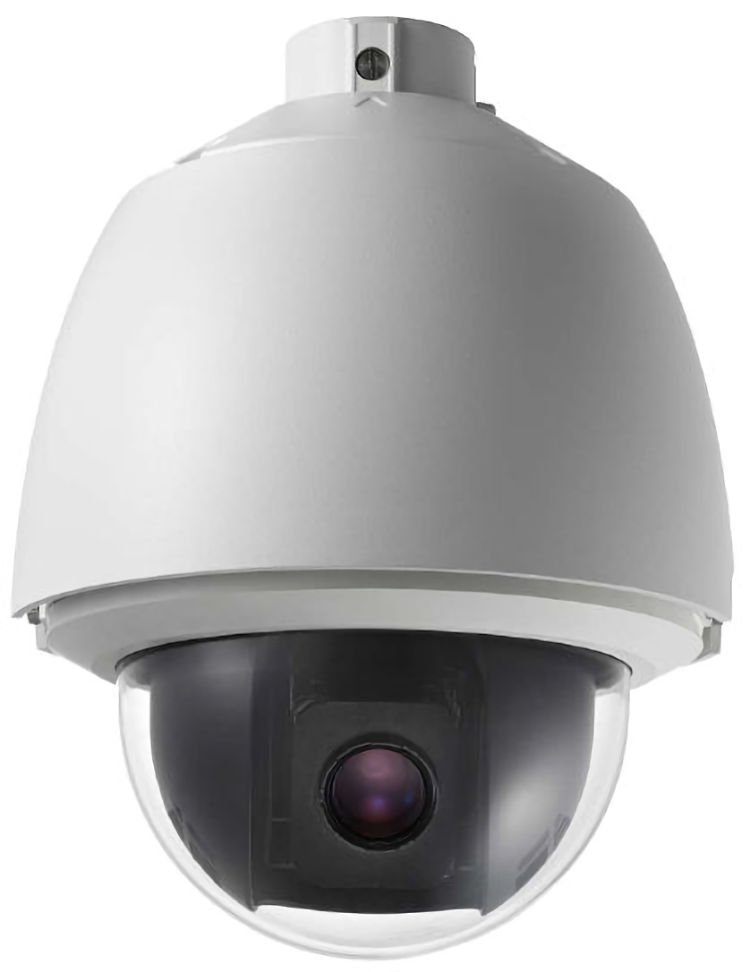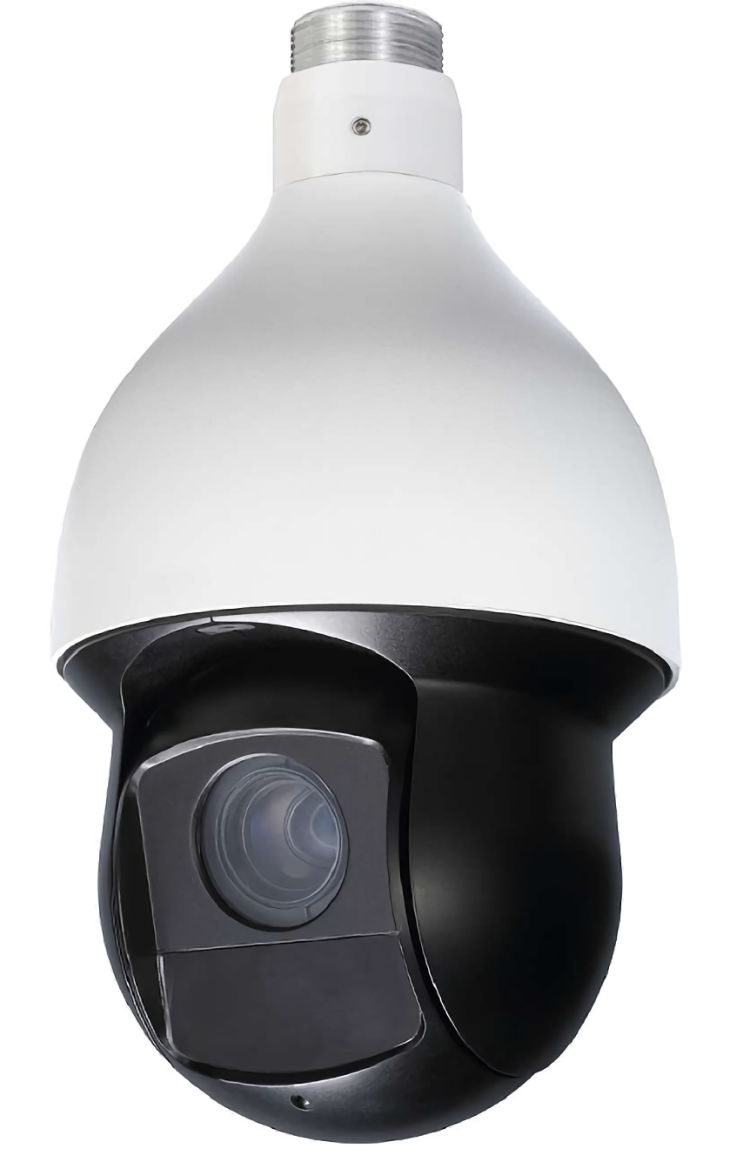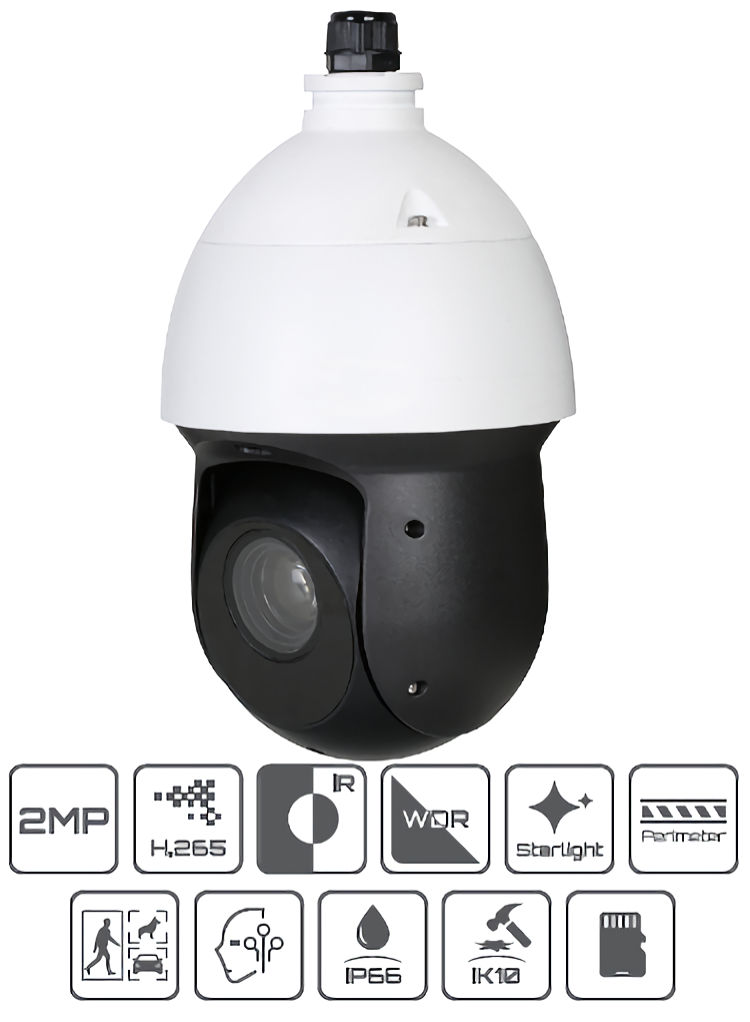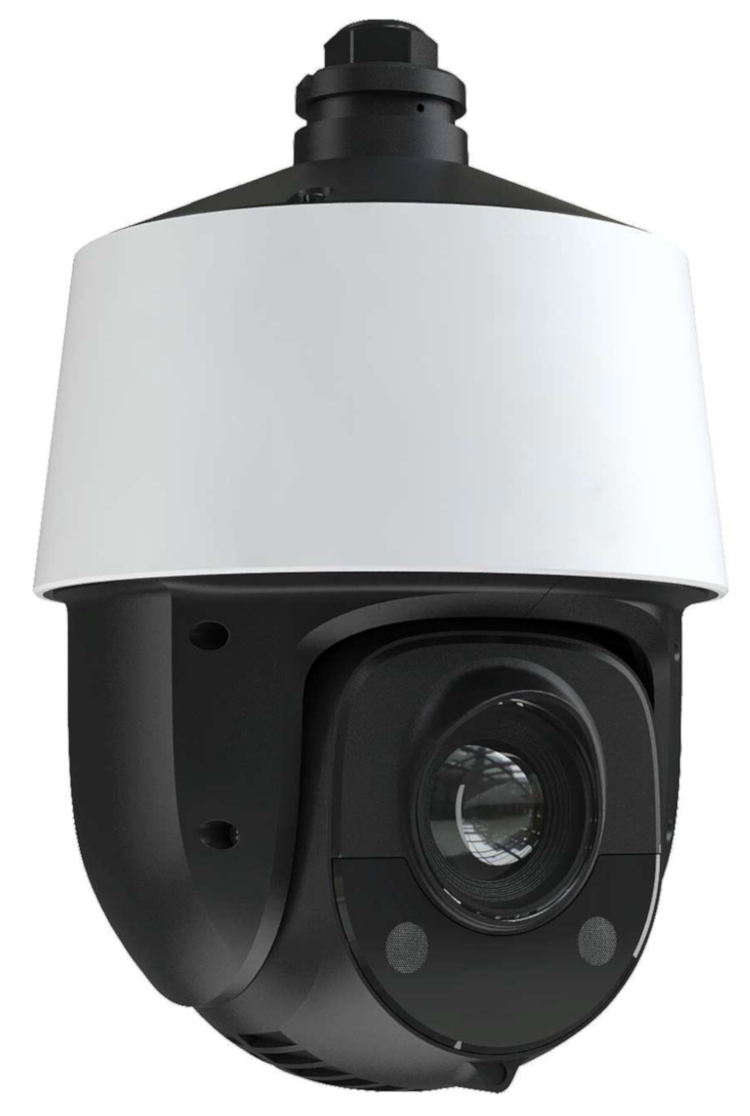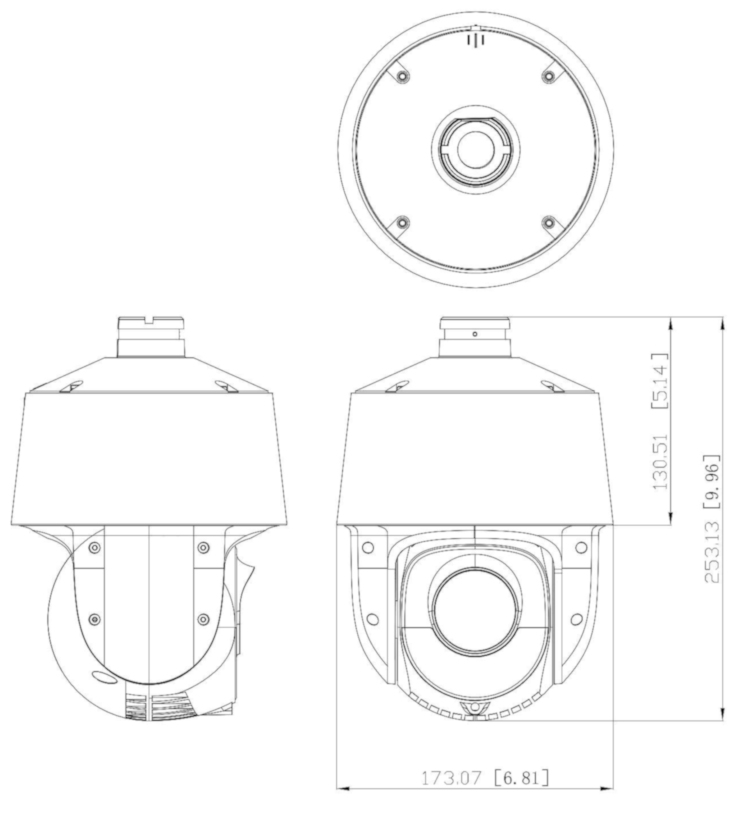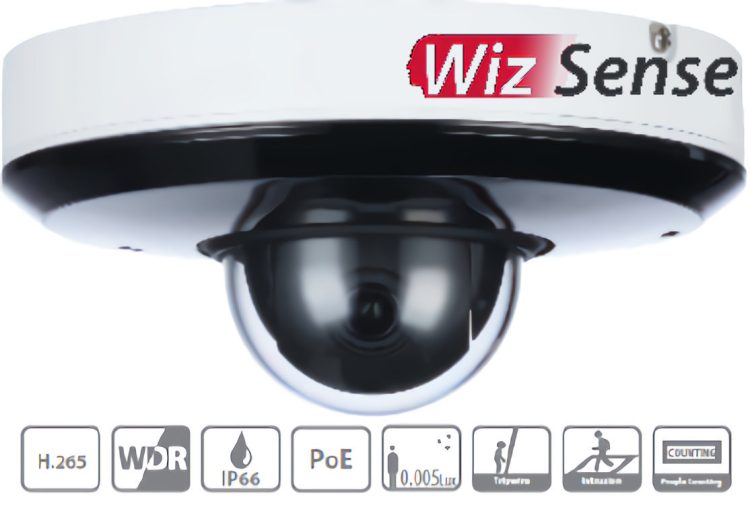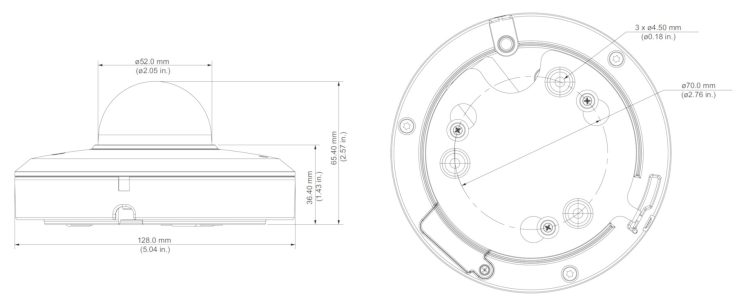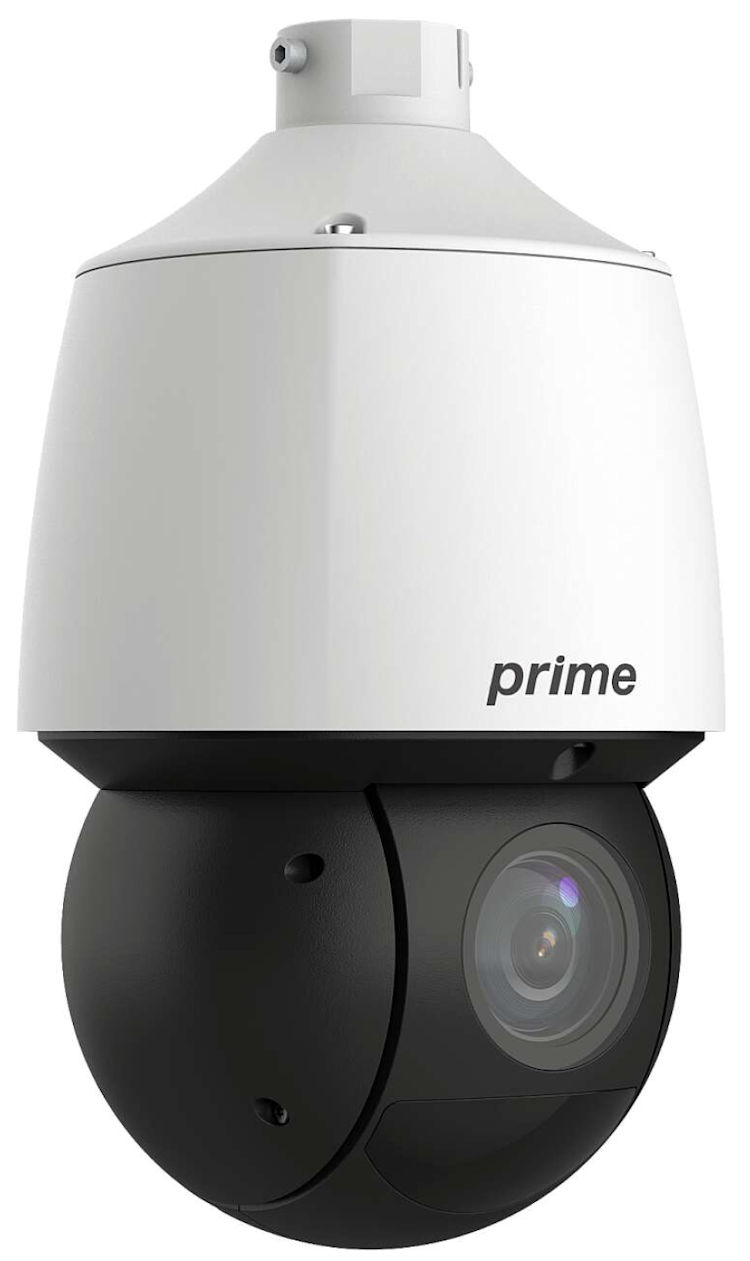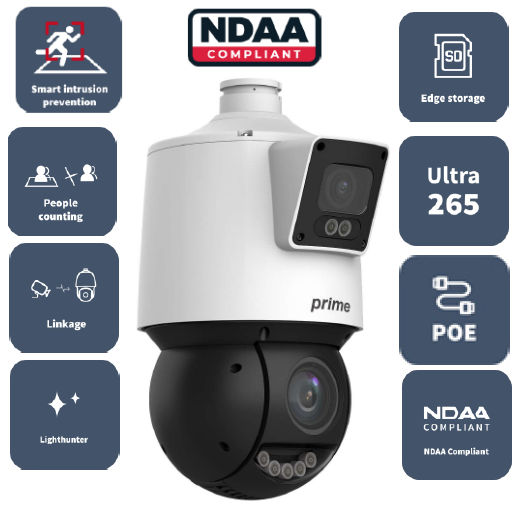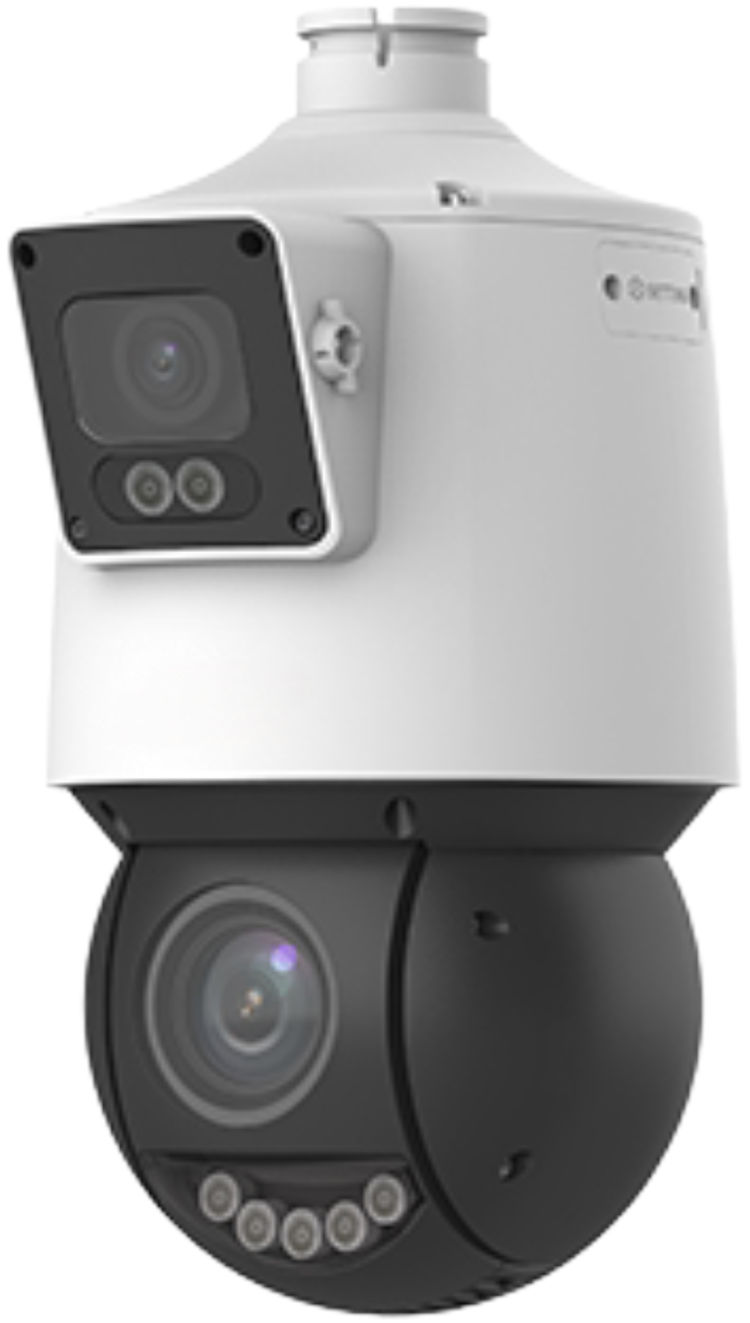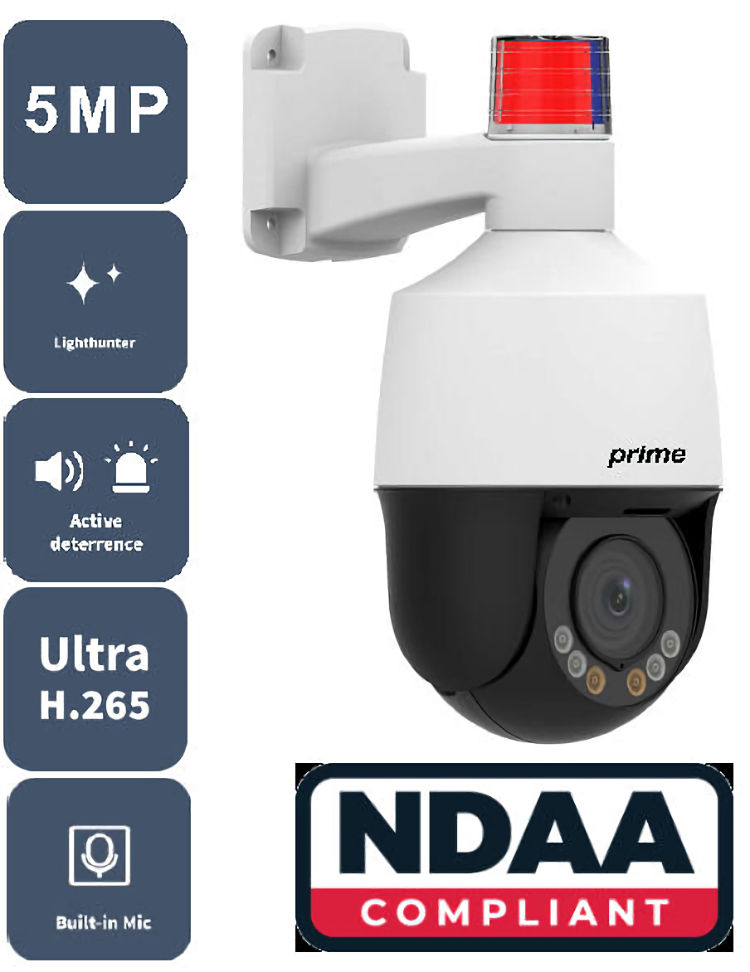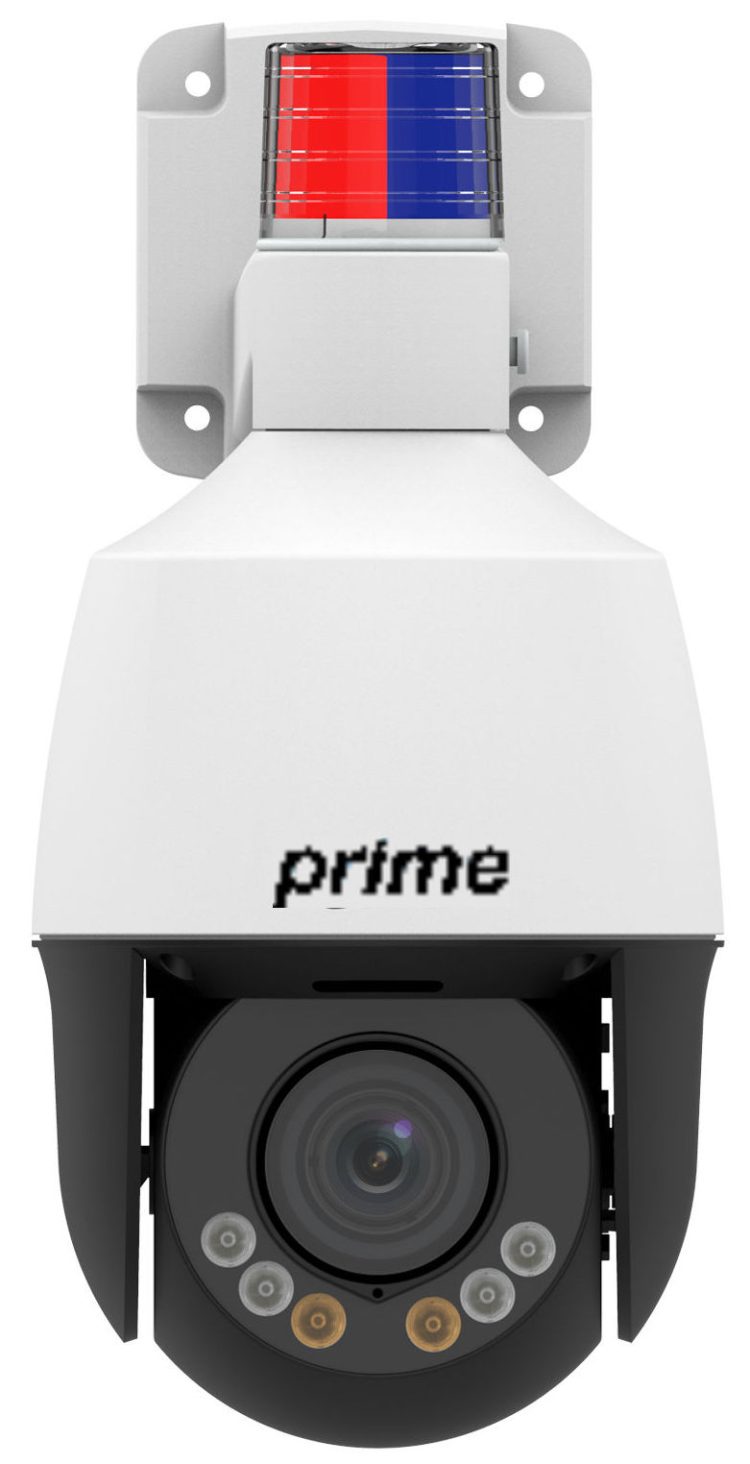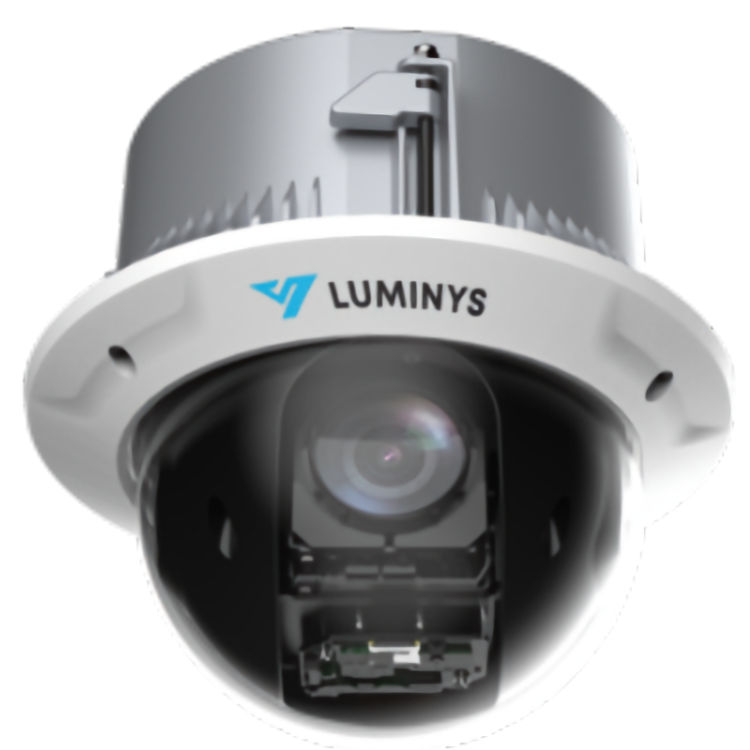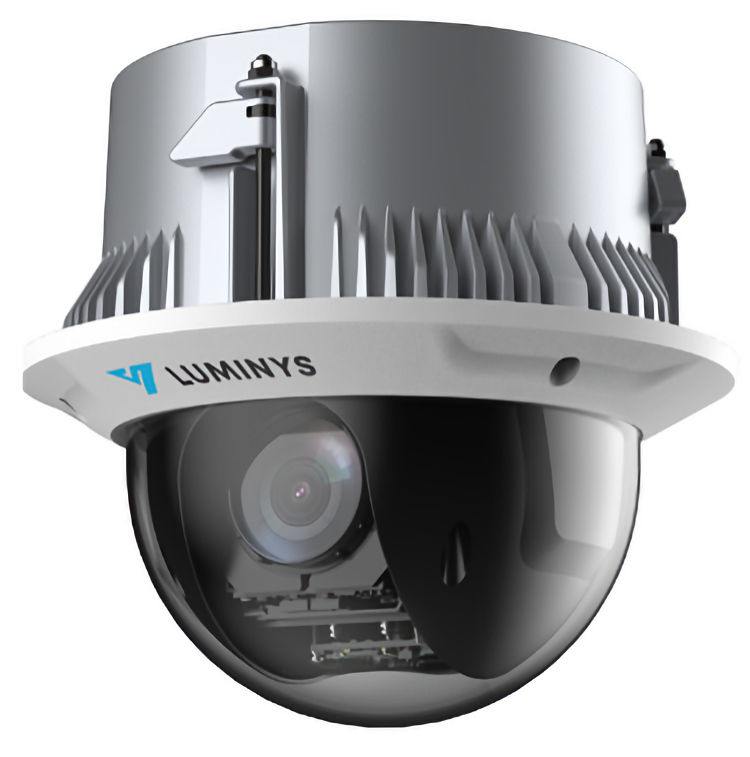
PTZ Network IP Cameras give a wide view from one point. Motorized PTZ security cameras can pan sideways. They can tilt vertically. They also zoom. Optical zoom IP cameras use the lens to show far detail. Remote camera control lets a user change the view. PoE PTZ cameras may use one cable for power and data. Therefore, check each model for PoE support.
For example, these cameras work in parking areas, halls, and large rooms. Network PTZ cameras do not watch every side at the same time. The current aim sets the scene that the camera records. Also, a user can save fixed views on some models. Some cameras can also run a set tour. Plan each view before the camera goes in. Check the light, range, mount, and place.
Features on network PTZ cameras vary by model. For example, some may have alerts, audio, smart track, or a memory card slot. However, some may have a case made for rain or dust. Next, read the facts on each item page. Check that the camera works with the chosen recorder or video app. Also check the web link, power source, zoom range, image size, and low light needs. Do not assume that every model has the same tools.
Collsam Security offers PTZ Network IP Cameras for video systems. Compare motorized PTZ security cameras by facts that have been checked. Review optical zoom IP cameras for the right view range. Check remote camera control with the planned software. Match PoE PTZ cameras with the right switch or power source. Thus, pick a camera that fits the site and the view. Then check the mount and the local rules. Good planning helps the camera give clear video and useful movement each day.

 Network IP Cameras, PTZ Network IP Cameras
IFS04-P07-IIA4
Original price was: $2,080.00.$1,700.00Current price is: $1,700.00.

 Network IP Cameras, PTZ Network IP Cameras
IFS04-P07-OIA4
Original price was: $2,335.00.$1,716.95Current price is: $1,716.95.
 2 MegaPixel Network IP Cameras, Network IP Cameras, PTZ Network IP Cameras
IM 132E
Original price was: $158.00.$94.80Current price is: $94.80. Network IP Cameras, PTZ Network IP Cameras
IP-5PT4IE3-40X
Original price was: $1,499.00.$986.70Current price is: $986.70.
 Network IP Cameras, PTZ Network IP Cameras
IP-5PT4IEN8-4X
Original price was: $582.00.$348.40Current price is: $348.40.
 Network IP Cameras, PTZ Network IP Cameras
IP-5PT4ISN27-25X
Original price was: $1,238.00.$804.70Current price is: $804.70.
 Network IP Cameras, PTZ Network IP Cameras
IP-5PT8ISN27-25X-2
Original price was: $1,370.00.$890.50Current price is: $890.50.
 Network IP Cameras, PTZ Network IP Cameras
NPT-A8200SL
Original price was: $860.00.$516.00Current price is: $516.00. Network IP Cameras, PTZ Network IP Cameras
NPT-D20H20
Original price was: $1,054.00.$632.40Current price is: $632.40.- Network IP Cameras, PTZ Network IP Cameras
NPT-IR-A8400
Original price was: $812.00.$487.20Current price is: $487.20. 
 Network IP Cameras, PTZ Network IP Cameras
NPT-IR-A9200SL
Original price was: $720.00.$432.00Current price is: $432.00.
 Network IP Cameras, PTZ Network IP Cameras
NPT-IR-C4125
Original price was: $629.98.$377.99Current price is: $377.99.- Network IP Cameras, PTZ Network IP Cameras
NPT-IR-C8125
Original price was: $847.98.$508.79Current price is: $508.79. - Network IP Cameras, PTZ Network IP Cameras
NPT-IR-E4004
Original price was: $366.00.$219.60Current price is: $219.60. - Network IP Cameras, PTZ Network IP Cameras
NPT-IR-E4004-S3A
Original price was: $377.50.$226.50Current price is: $226.50. 
 Network IP Cameras, PTZ Network IP Cameras
NPT-IR-E4225-S1S
Original price was: $1,037.50.$622.50Current price is: $622.50.- Network IP Cameras, PTZ Network IP Cameras
NPT-IR-E8225-S1S
Original price was: $1,184.98.$710.99Current price is: $710.99. 
 Network IP Cameras, PTZ Network IP Cameras
NPT-IR-EP4232-S1S
Original price was: $2,156.00.$1,293.60Current price is: $1,293.60.
 Network IP Cameras, PTZ Network IP Cameras
NPT-R41AD-W25
Original price was: $968.00.$580.80Current price is: $580.80.
 Network IP Cameras, PTZ Network IP Cameras
NPT-R42AD-SW25
Original price was: $1,090.00.$654.00Current price is: $654.00.- Network IP Cameras, PTZ Network IP Cameras
NPT-R52D-YLW04
Original price was: $434.00.$260.40Current price is: $260.40. 
 Network IP Cameras, PTZ Network IP Cameras
P5C-4SA32
Original price was: $2,339.99.$1,486.95Current price is: $1,486.95.